

Storage Estimation Guide
Use our interactive calculator to estimate your storage needs and find the right plan. Covers both personal and professional use.
Last reviewed
What Counts Towards Storage
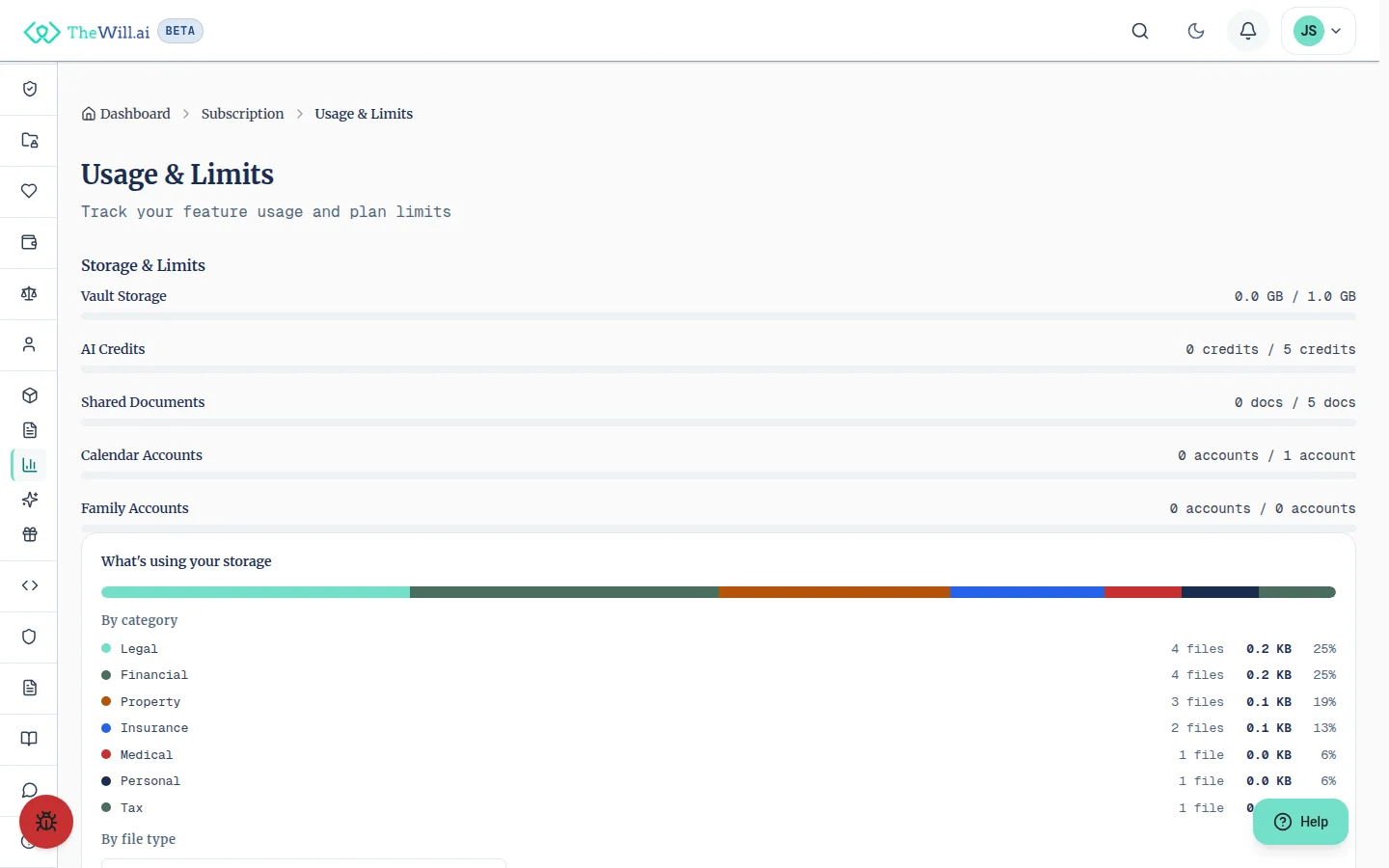
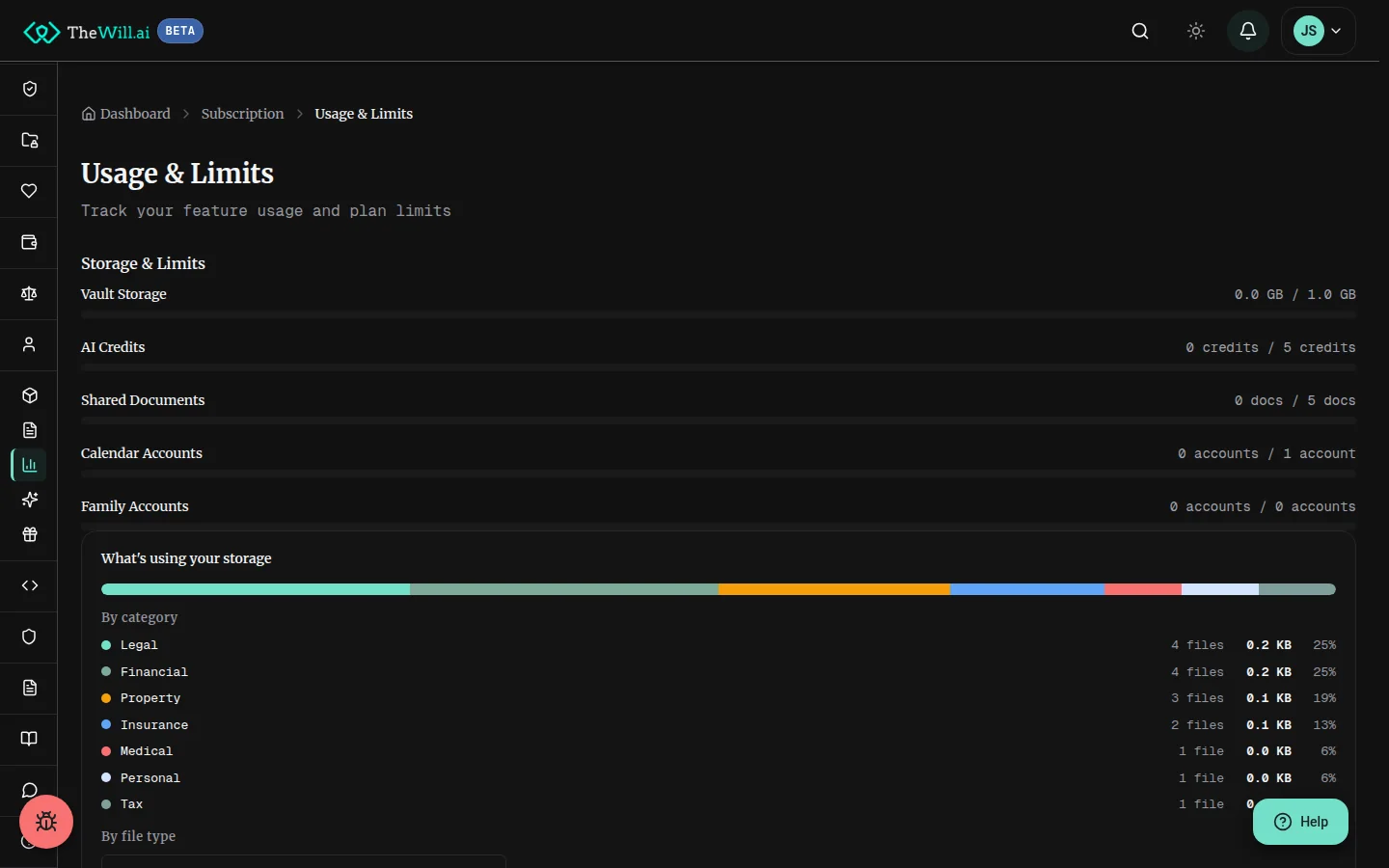
Your storage limit covers all files stored in your account. Documents and videos share a single storage pool, so both count towards the same limit.
Items that use storage
- Document vault: Any file you store there, such as PDFs, scans and photographs, word processor and spreadsheet files, plain text, archives and media files
- Video messages: Recorded videos, funeral wishes, video instructions
- Will drafts: Generated will PDFs and exported documents
- Professional recordings: Consultation recordings (professional plans only)
Shared documents have a separate count limit (not size limit). Free plans allow up to 5 shared documents, Silver allows unlimited sharing, and Gold and above offer unlimited sharing.
Typical File Sizes
Use this reference to understand how much space different file types typically require:
| File Type | Typical Size |
|---|---|
| Text-based PDF (will, certificate) | 50 to 300 KB |
| Scanned document (single page) | 200 KB to 2 MB |
| Property deed / multi-page scan | 1 to 5 MB |
| Photograph or image | 1 to 5 MB |
| Video message (per minute) | 50 to 200 MB |
Individual file limit: For detailed upload guidance, see our Document Vault Help page.
Estimate Your Storage Needs
Adjust the numbers below to match your expected usage. The calculator will recommend the most suitable plan based on your estimated storage.
Tip: Most users with a single will and a handful of supporting documents comfortably fit within the Free plan's 1 GB limit.
Professional plans: All files (documents, recordings, and videos) count towards your plan's total storage allowance.
Storage by Plan
Consumer Plans
- Free: 1 GB (documents and videos combined)
- Silver: 10 GB
- Gold: 25 GB
- Platinum: 100 GB
- VIP: Unlimited
Professional Plans
- Pro Free: 1 GB, roughly 5 clients' documents or 5 hours of recording
- Pro Starter: 10 GB, roughly 50 clients' documents and 65 hours of recording
- Pro Growth: 50 GB, documents for 200+ clients and 300 hours of recording
- Pro Enterprise: Unlimited storage
Professional personal storage: Pro Starter and Pro Growth include 25 GB of personal vault storage (Gold equivalent). Pro Enterprise includes unlimited personal storage.
Storage Add-Ons
If you need more space without upgrading your plan, storage add-ons let you boost your limit on a monthly or annual basis. Add-ons stack on top of your plan's included storage.
Consumer Storage Boosts
Three tiers available: +5 GB, +15 GB, or +50 GB. Boosts are billed monthly or annually. See Consumer Pricing for current rates.
Professional Storage Boosts
Three tiers available: +5 GB, +25 GB, or +50 GB. Boosts are billed monthly or annually. See Professional Pricing for current rates.
How it works: When active, your add-on storage is combined with your plan limit. If you cancel the add-on, the extra space is removed at the end of the billing period. Nothing is deleted: your existing files stay in place and remain available to view and download, but new uploads are refused until you free up space or add the boost again.
Tips to Manage Your Storage
- Convert scans to PDF: PDF files are typically smaller and more portable than raw image scans
- Compress PDFs: Use a PDF compression tool before uploading to reduce file size while maintaining quality
- Scan at the right resolution: 150 to 300 DPI is sufficient for text documents; higher resolutions waste space
- Keep videos concise: A 1 to 2 minute video message is usually sufficient and uses far less storage than a longer recording
- Remove outdated documents: Periodically review your vault and remove documents that are no longer relevant
- Use text-based PDFs: If possible, save documents as text-based PDFs rather than scanned images, which are typically 5 to 10x smaller
For detailed guidance on uploading and managing documents, see our Document Vault Help page.
Can’t find what you’re looking for?
Our support team is here to help. Contact us and we’ll get back to you as soon as possible.
Contact Support